You haven't signed in yet, you can have a better experience after signing in
*Please complete the payment within {{receiveCouponInfo.expire_at}}Previous use*
You haven't signed in yet, you can have a better experience after signing in



Activity Rules
1、Activity time:{{ info.groupon.start_at }} ~ {{ info.groupon.end_at }}。
1、Activity time:cease when sold out。
2、Validity period of the Group Buying:{{ info.groupon.expire_days * 24 }} hours。
3、Number of Group Buying:{{ info.groupon.need_count }}x。
Please Pay Attention
1、Teamwork process: Join/initiate a Group Buying and make a successful payment - Within the validity period, the number of team members meets the activity requirements - Group Buying succeeded!
2、If the number of participants cannot be met within the valid period, the group will fail, and the paid amount will be refunded in the original way.
3、The number of people required and the time of the event may vary among different products. Please pay attention to the rules of the event.
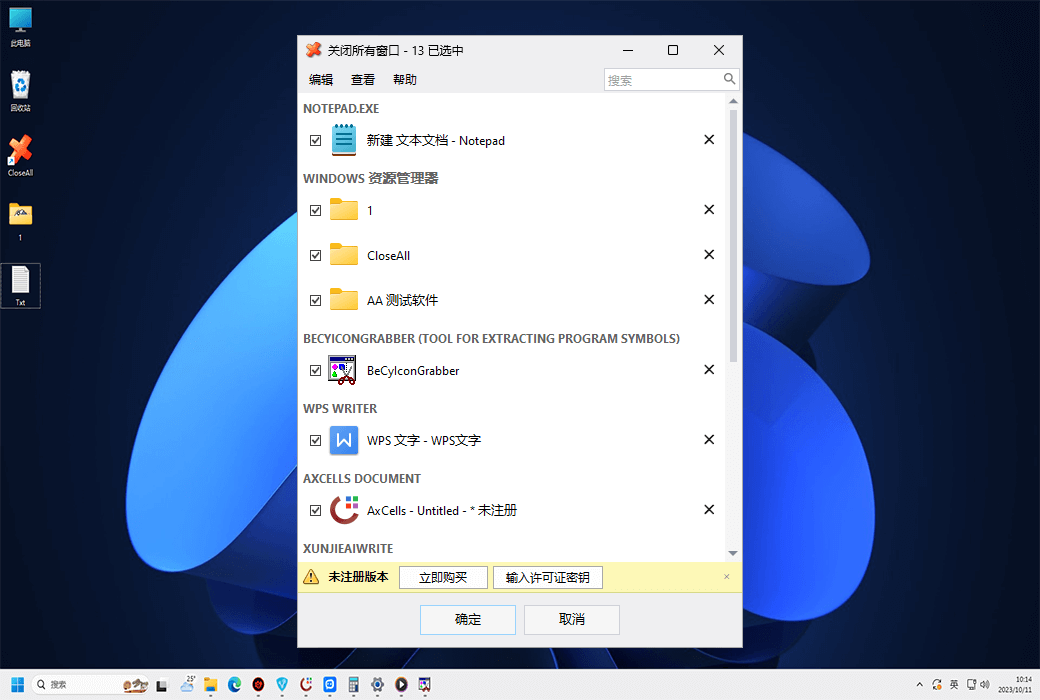
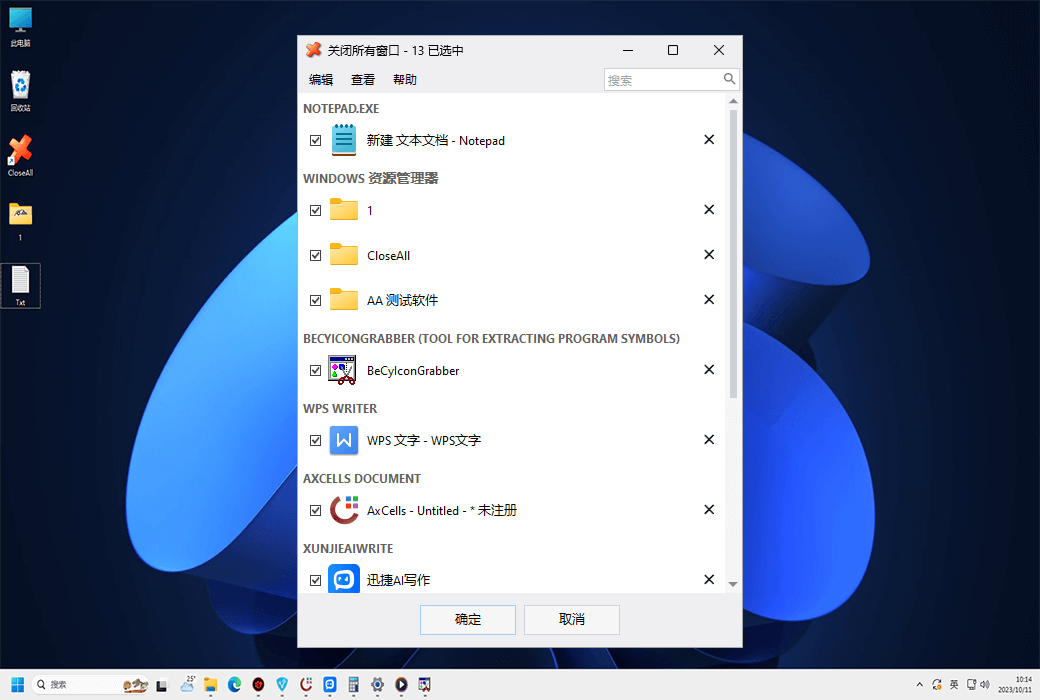
A simple Windows ultimate task management tool designed specifically for quickly closing multiple applications. 'Close All' will flash a 'Close' signal to the selected application and will not occupy any system resources.
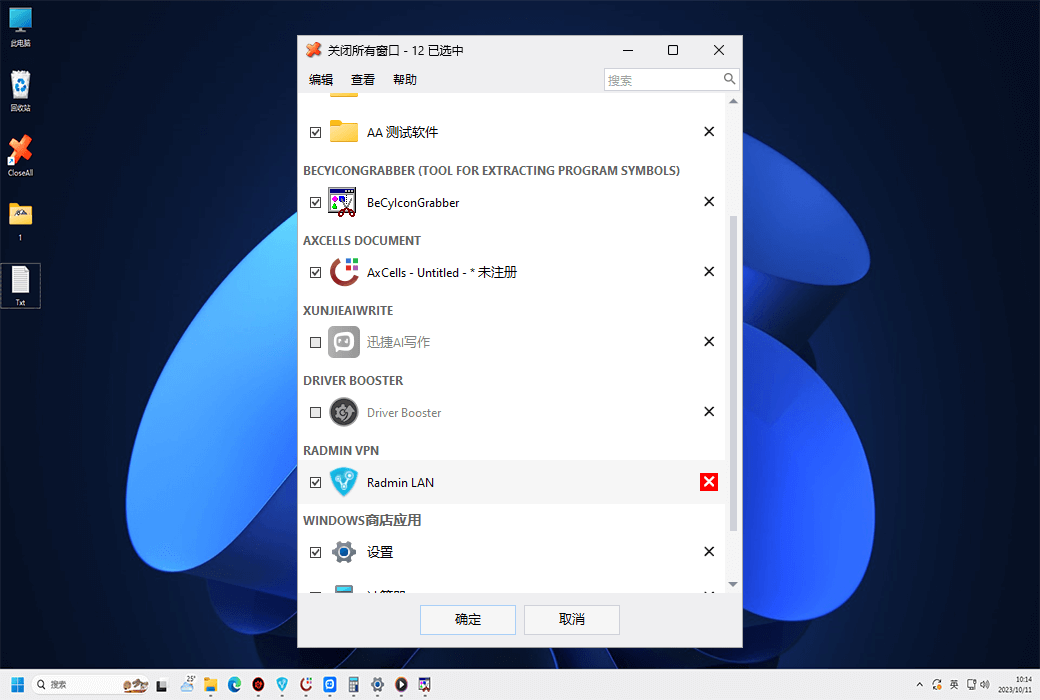
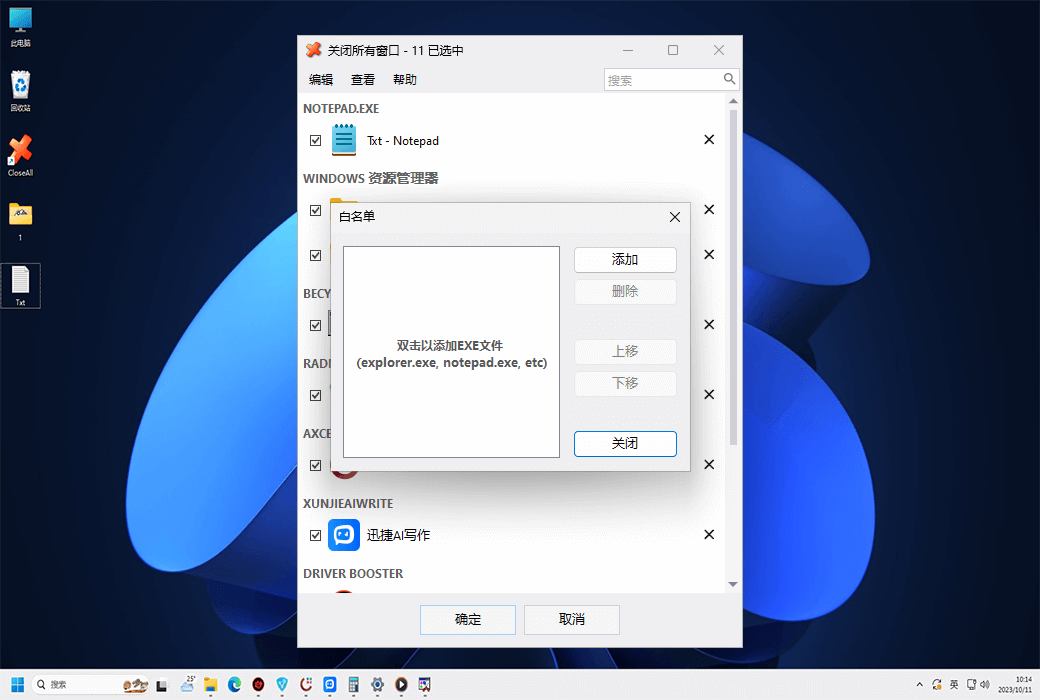
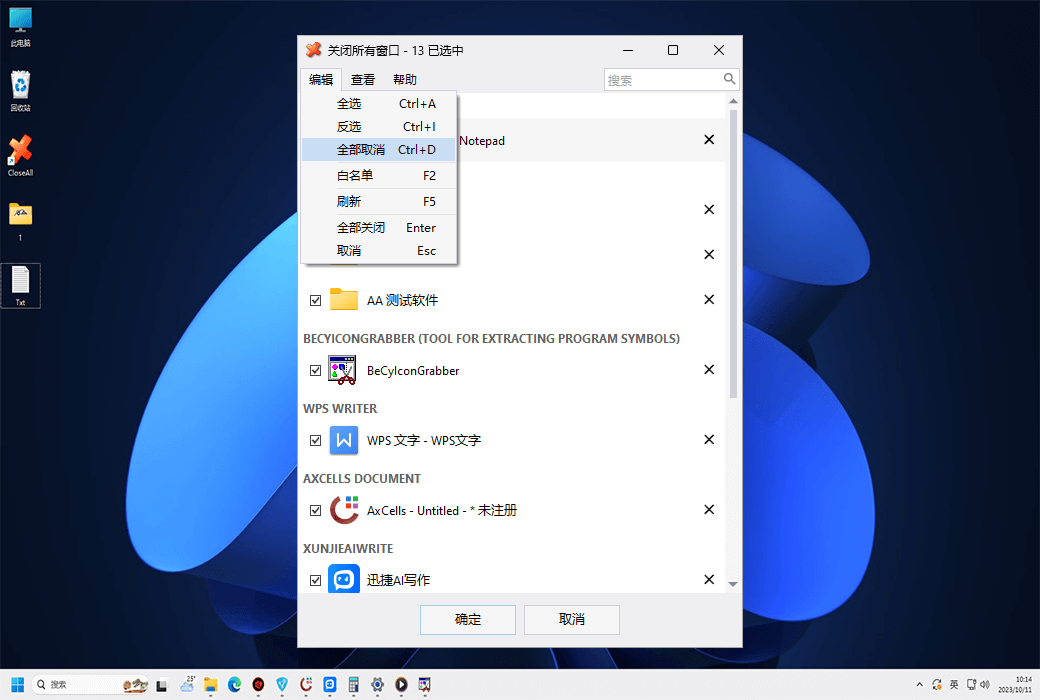
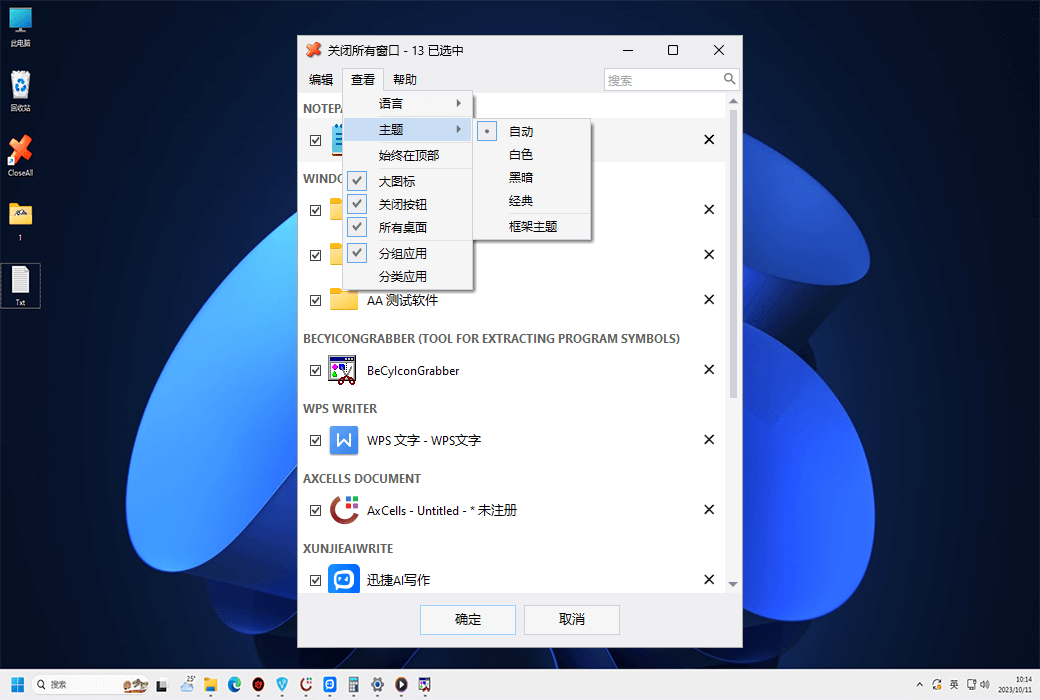
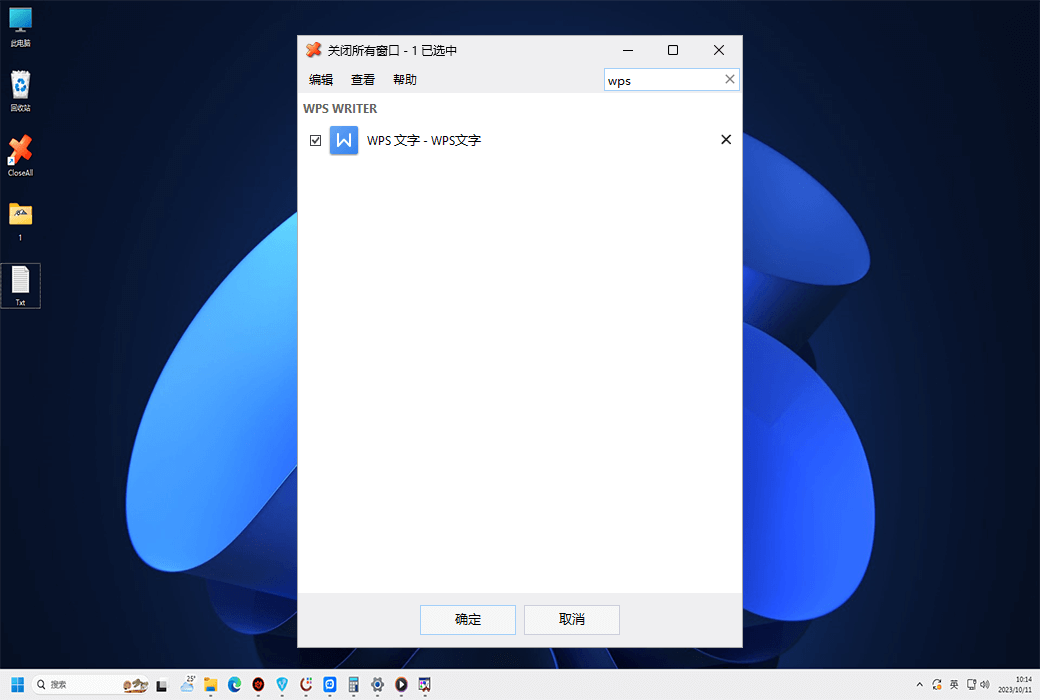
Close All Windows allows you to choose different sorting and grouping options for the task list, double-click a group to select/deselect the entire group, filter applications by typing any part of the window title or application name, and close applications one by one using a single close button.
Command Line Usage
You can specify the/NOUI command-line switch to run CloseAll in silent mode and close all windows without any UI interaction. Simply open the 'Close All' shortcut property and add/NOUI to the 'Destination' location:
If you are running dozens of applications at the same time and want all applications to exit immediately, CloseAll is indeed very convenient. Give it a try now and see if it can save you time!
Official Website:https://www.ntwind.com/software/closeall.html
Download Center:https://close-all-windows.apsgo.cn
Shipping Time: processed manually online
Operating Platform: Windows
Interface Language: supports Chinese interface display, with multiple languages available.
Update Instructions: the manufacturer promises lifetime updates and upgrades for one-time purchase.
Trial Before Purchase: free trial available before purchase.
How to Receive the Product: after purchase, activation information will be sent to the email used for ordering, and the corresponding product activation code can be viewed in the personal center, under "My Orders".
Number of Devices: can be installed on 1/3 computers, depending on the purchased license.
Changing Computers: uninstall on the original computer and activate on the new computer.
Activation Guide: to be added.
Special Instructions: to be added.
References:https://www.ntwind.com/software/closeall/register.html

Any question